# Administrate PostgreSQL servers with pgAdmin
PostgreSQL is a powerful, open source object-relational database system with over 30 years of active development that has earned it a strong reputation for reliability, feature robustness, and performance.
pgAdmin is the most popular and feature rich Open Source administration and development platform for PostgreSQL, the most advanced Open Source database in the world.
This documentation is valid for pgAdmin 4.5+
# First application start
- Login with the default user

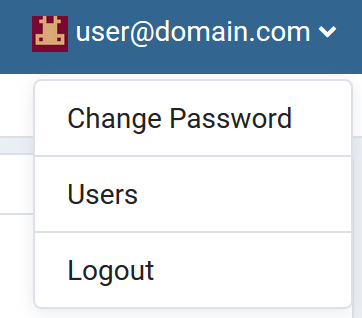
- Go to user management
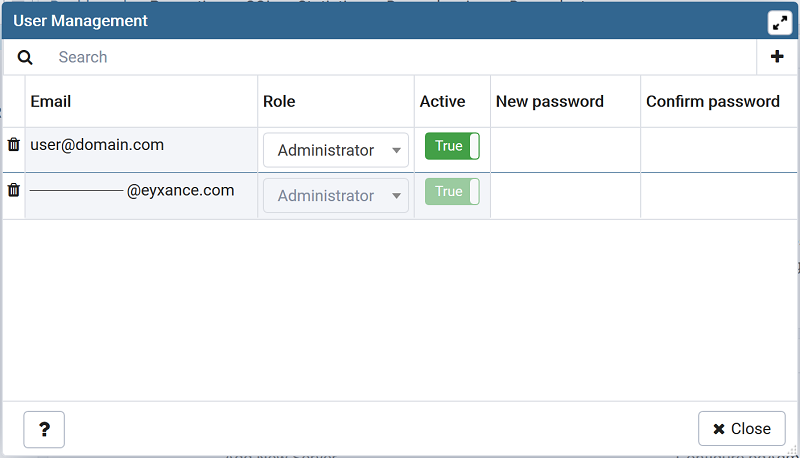
- Create a new admin user
- Logout
- Login with the new admin and go to user management
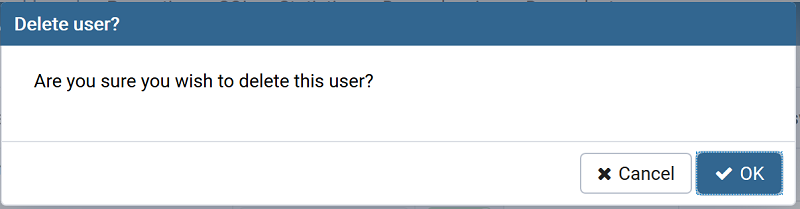
- Delete default user
# Add an existing server
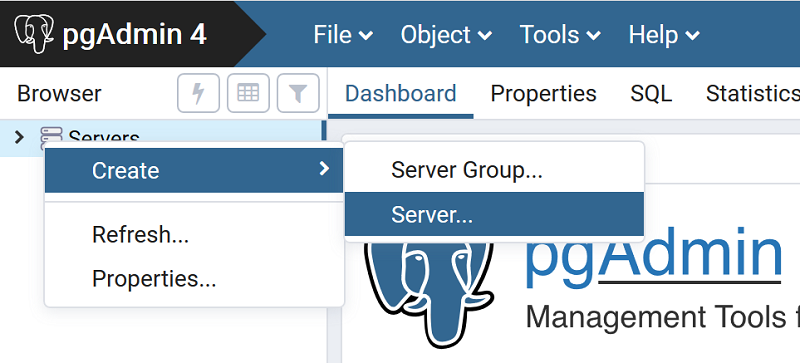
- Right click on Servers > Create > Server
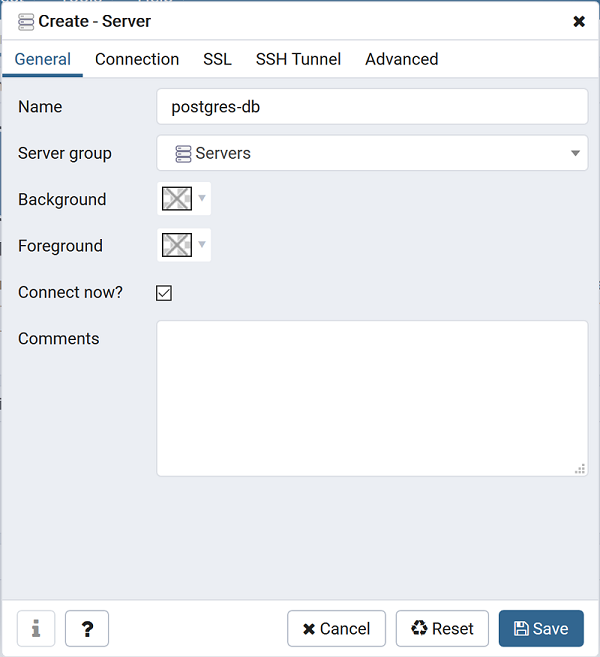
- In General tab, define a name for the server
- In Connection tab, add hostname or address, username and password
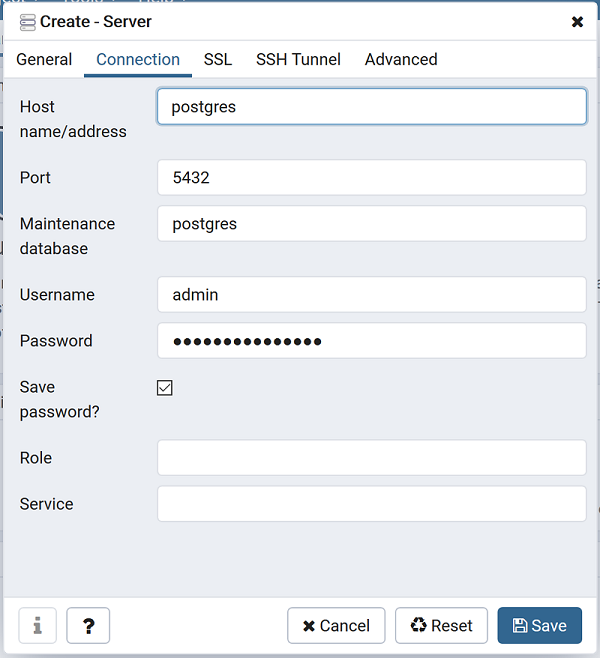
- Save configuration, the server is automatically created