# Configure Insys EBW100 for remote connection to PLC systems
# Requirements
- Router connected through OpenVPN client
# Port forwarding
- Connect to the router web server via
http://router-ipand fill user/password - Go to Dial-Out > Port forwarding
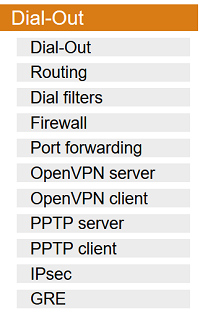
- Activate port forwarding for Dial-Out connections

- Create new rules to connect router WAN port to devices port on LAN
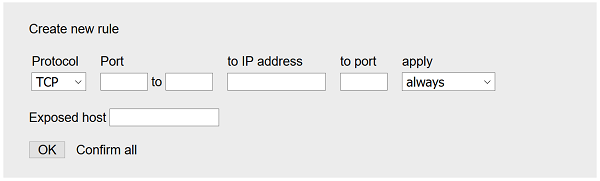
Note: TCP/80 port is used by router webserver. Do not use this port for an other
- Confirm with OK
Configuration example for Saia PCD 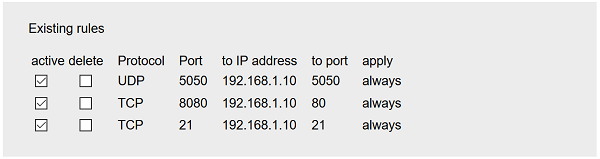
# Some configurations
| PLC device | Programming port | Web Server | File server |
|---|---|---|---|
| Saia PCD | UDP/5050 | HTTP (TCP/80) | FTP (TCP/21) |
| Schneider Smart-X | Same as Web Server | HTTPS (TCP/443) or HTTP (TCP/80) | N.A. |