# Configure Saia PCD for VPN connection
# Requirements
- Saia PG5 2.3 or higher
- Router connected to VPN server
- Router port forwarding activated and configured
# Device Configurator
Connect PC to PLC device in S-Bus USB mode to update device configuration.
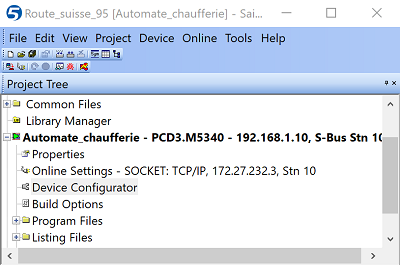
- Open Device Configurator
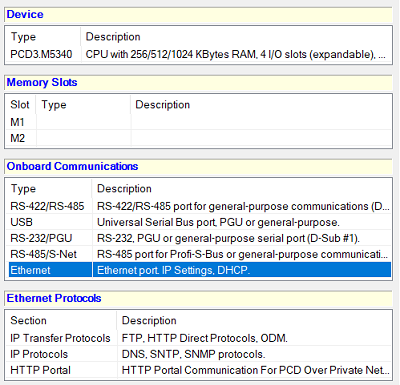
- Select Ethernet settings
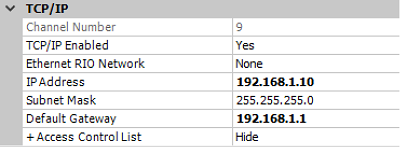
- In TCP/IP panel, configure IP settings. The Default Gateway must be the router IP address.
- Save and Download to device

# Online Settings
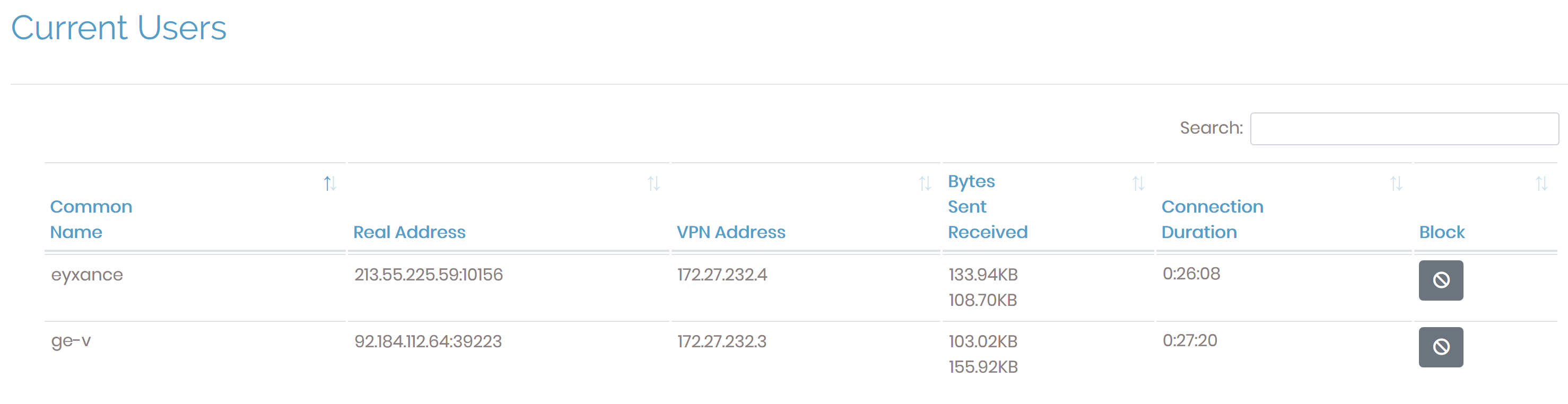
Connect PC to the OpenVPN Server and control by ping that you can access to the router ip address available on OpenVPN Server web interface.
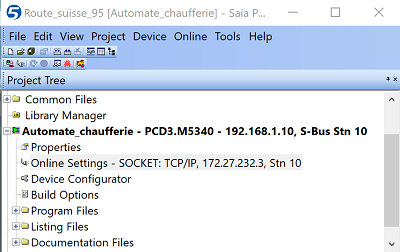
- Select your PLC and open Online Settings window
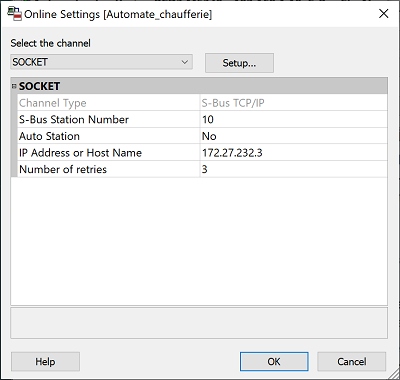
- Change connection settings, IP Address or Host Name must be equal to device VPN Address available OpenVPN AS application.
- Go to Channel Settings by pushing Setup... button
- Configure UDP Port Number as same as port configured on router
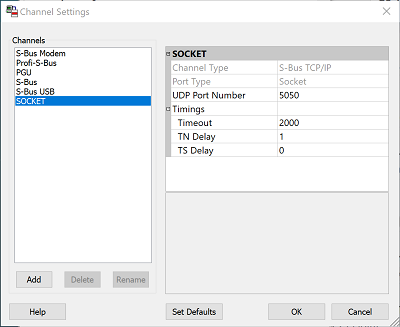
Increase Timeout at least to 2000 ms (it depend on connection quality) and validate by OK
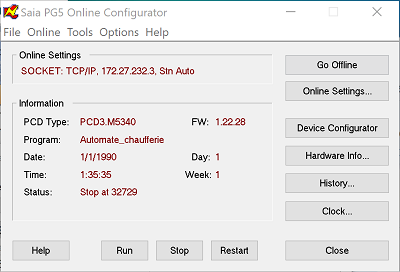
Test connection with Online Configurator