# Add built-in module
Node-RED have a global context that can be pre-populated with objects when Node-RED starts.
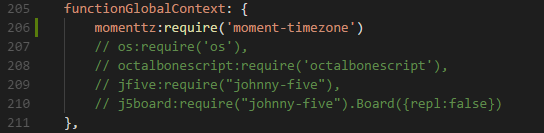
This is defined in the main settings.js file under the functionGlobalContext property.
For example, the built-in os module can be made available to all functions:
functionGlobalContext: {
  osModule:require('os')
}
at which point, the module can be referenced within a function as global.get('osModule').
If any external module is "required", it must be installed manually in the user directory via npm.
cd ~/.node-red
npm i name_of_3rd_party_module_to_be_required
# Update settings.js in Comongate
- Open
settings.jsavailable in path./comongate/usr/node-red/ - Search
functionGlobalContext - Add your module reference as below
# Manual NPM installation in Comongate node-RED
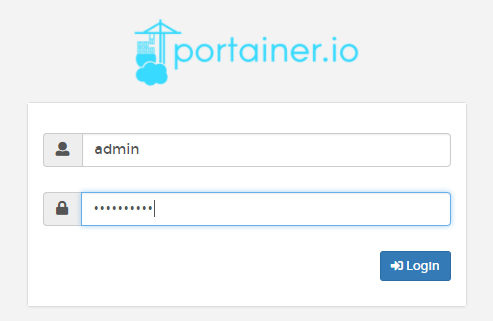
- Connect to portainer https://comongate_address/portainer/
- Log in as
adminuser
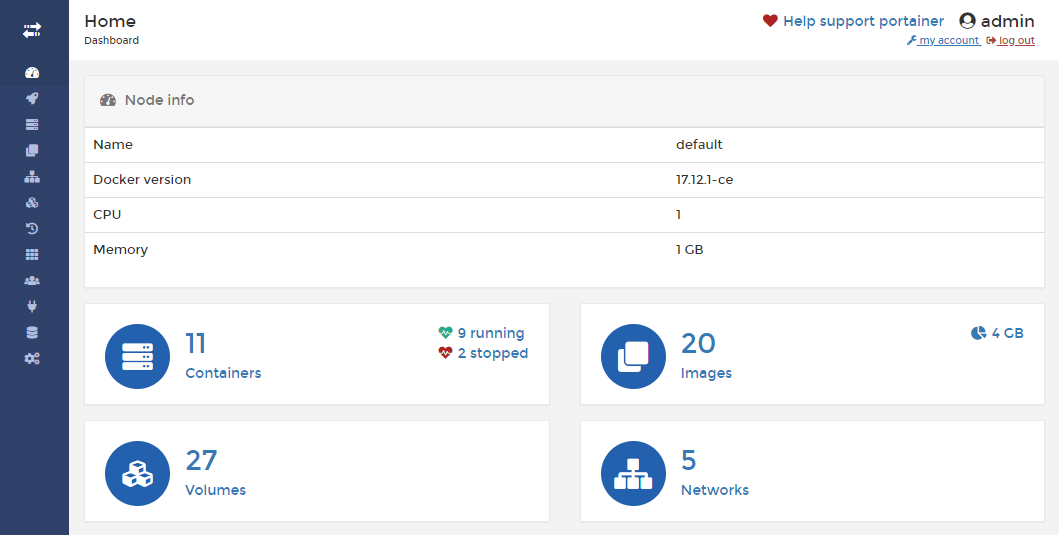
- Access to Containers
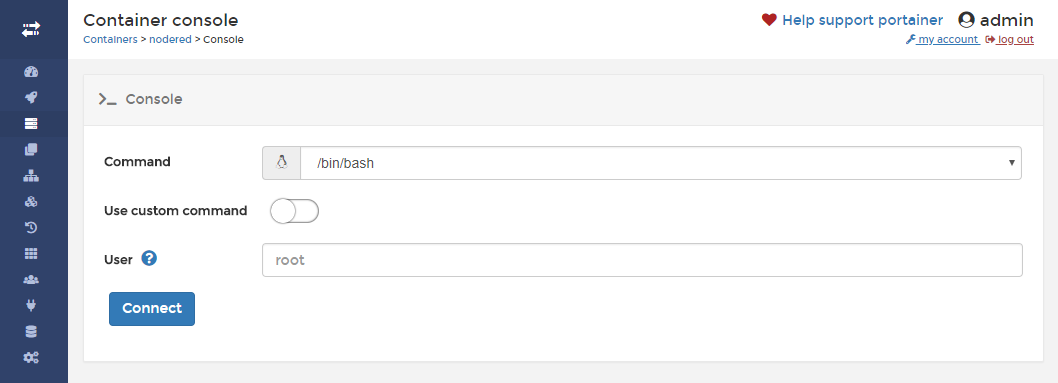
- Click on shell >_ of the Node-RED container
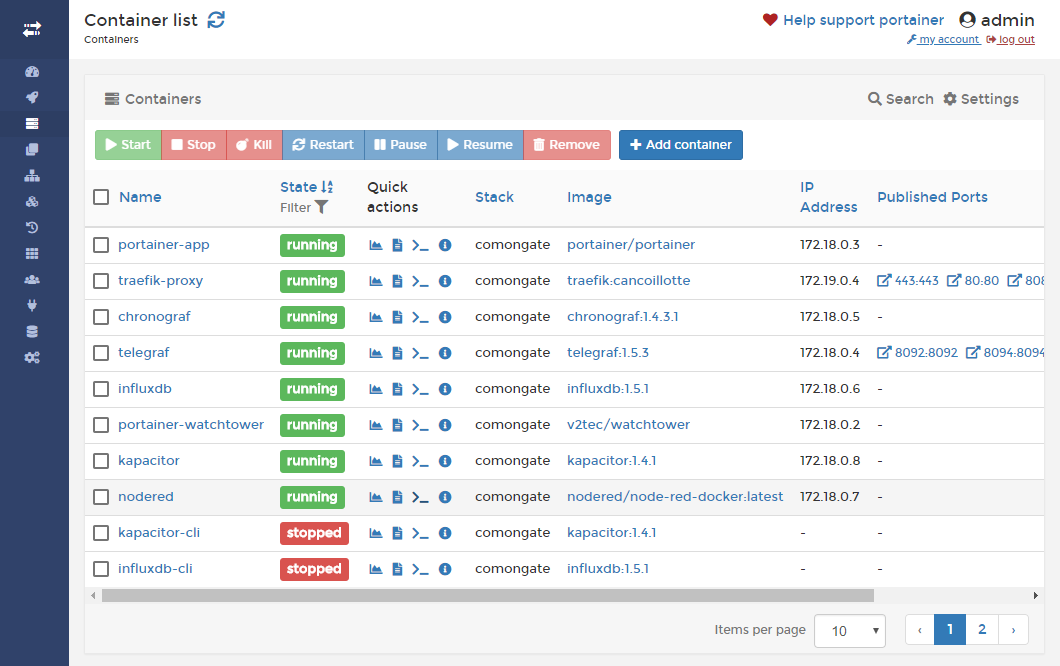
- Connect in Node-RED shell with Connect button
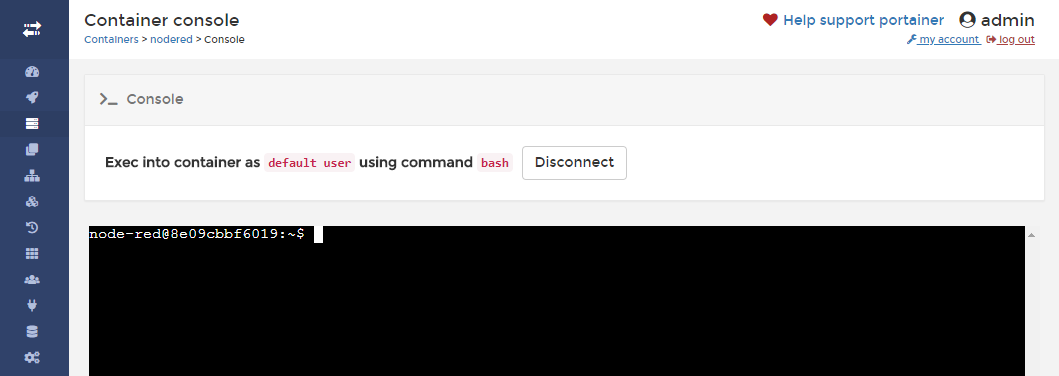
- The shell is connected in the right place, just send the command
npm i name_of_3rd_party_module_to_be_required
- Click on Disconnect, go to containers details and restart Node-RED container
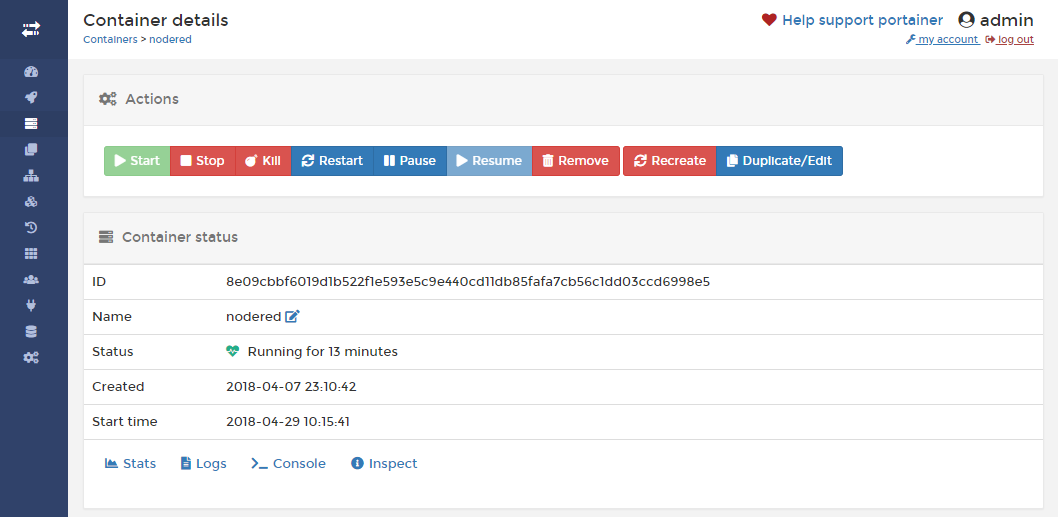
- Node-RED is still ready for using your module
You can call your module inside Node-Red function with this syntax:
var os = global.get('osModule')